In this post I’ll share the finalized wireframes that I’ve developed for my initial capstone project work and that also illustrate the possibilities for future phases of development and software tooling. As expected, these wireframes reflect several rounds of wireframe creation, delivery, design discussions, decision-making, wireframe refinement, and then repeating that process.
Here are the wireframes for the capstone project scope:
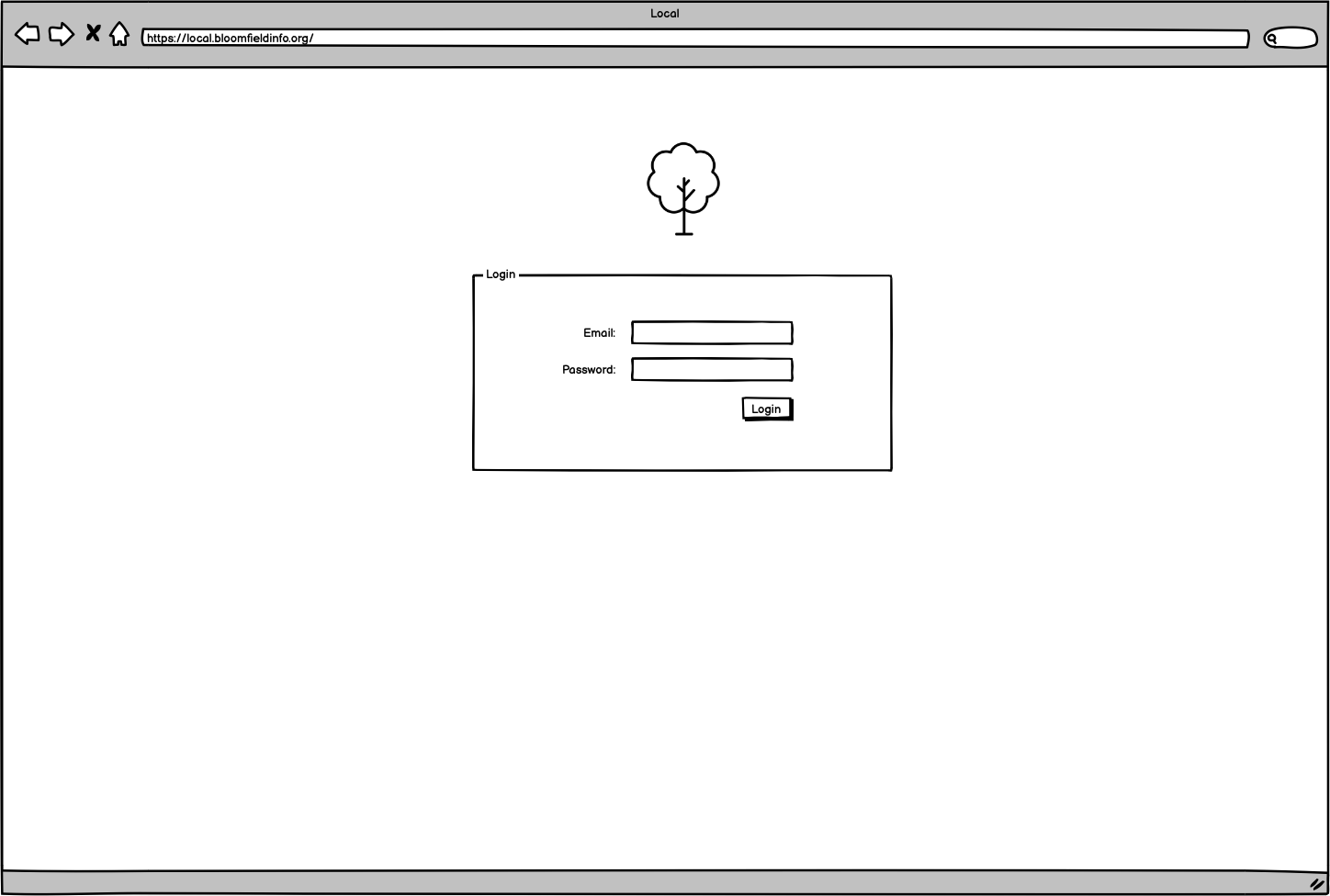
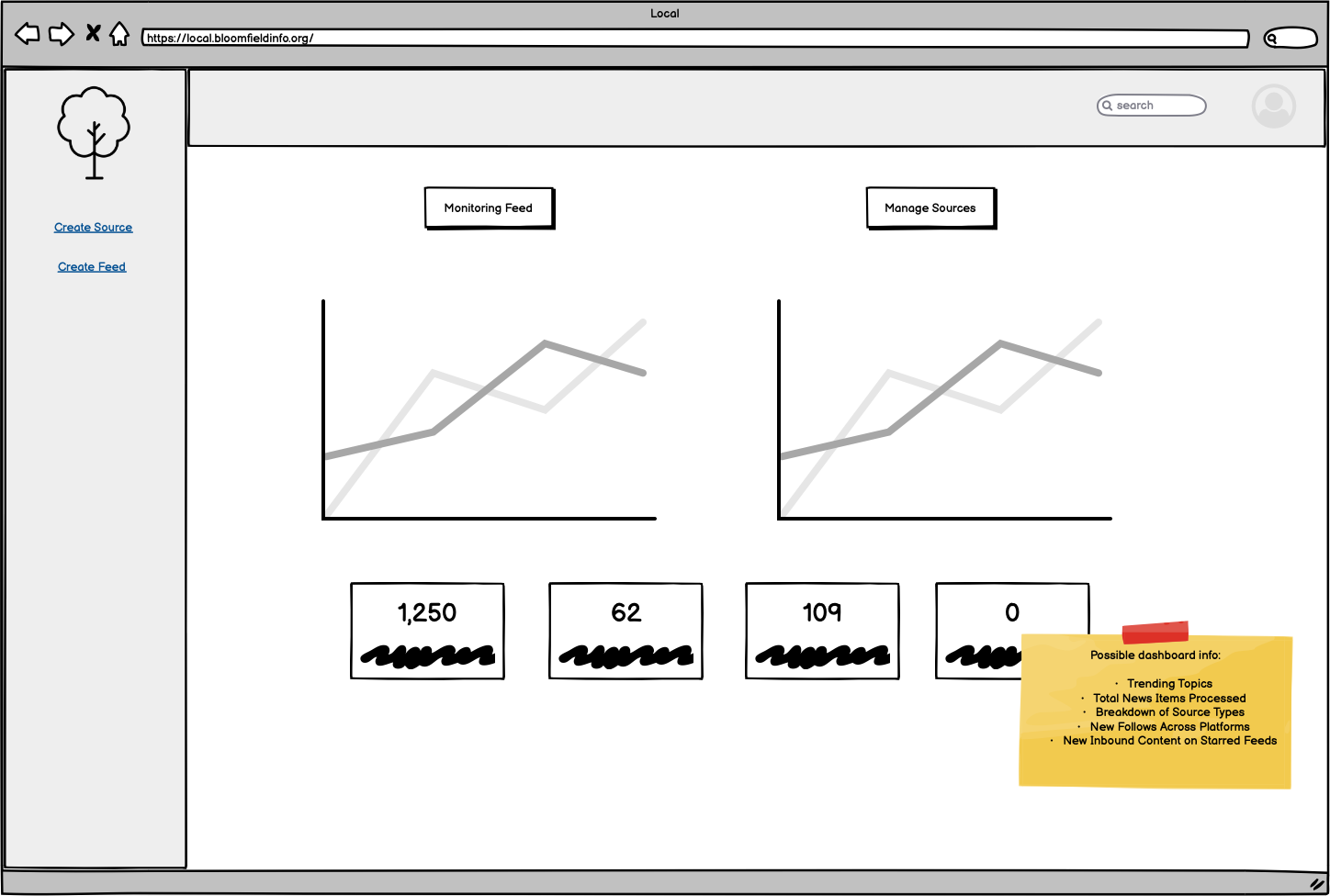
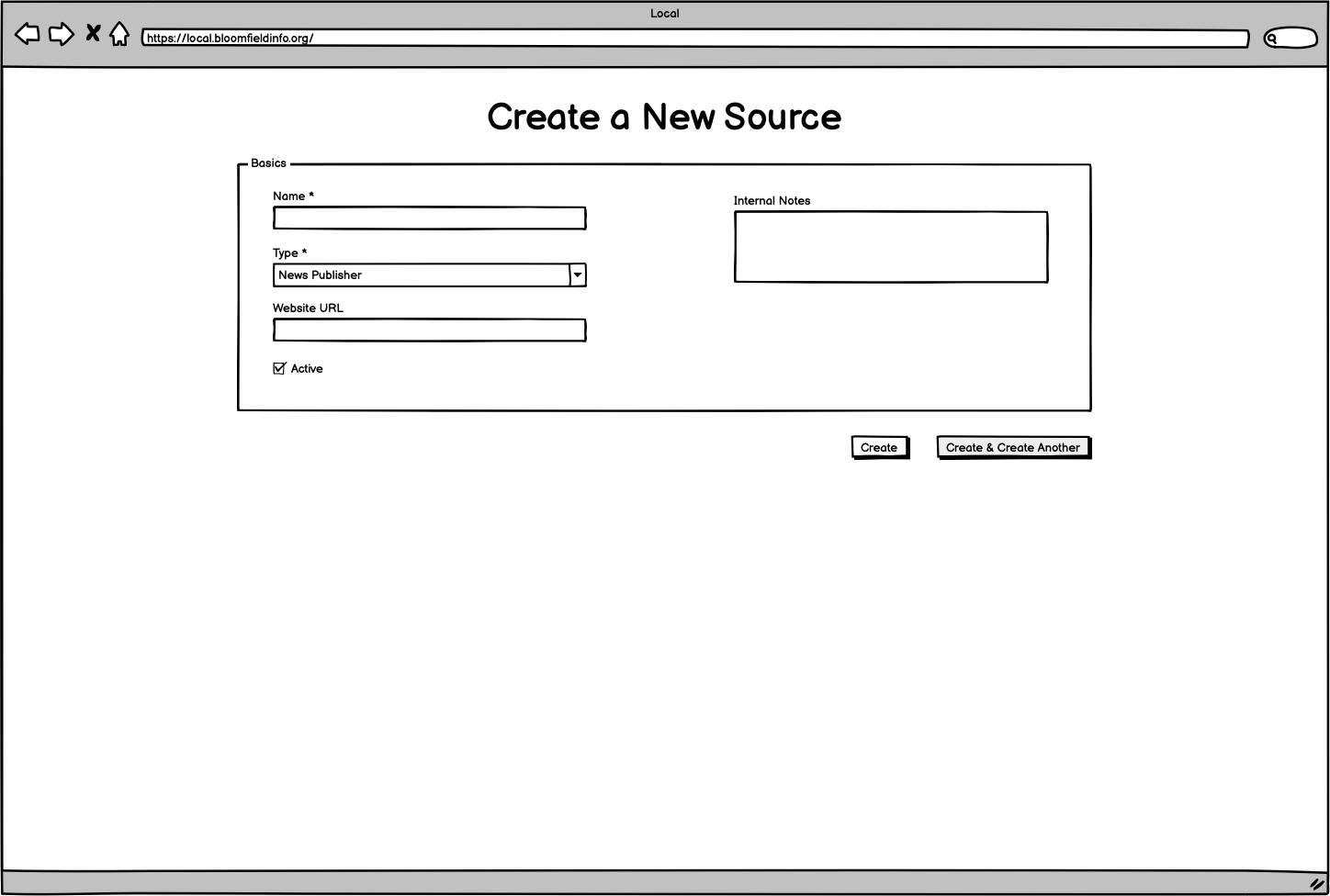
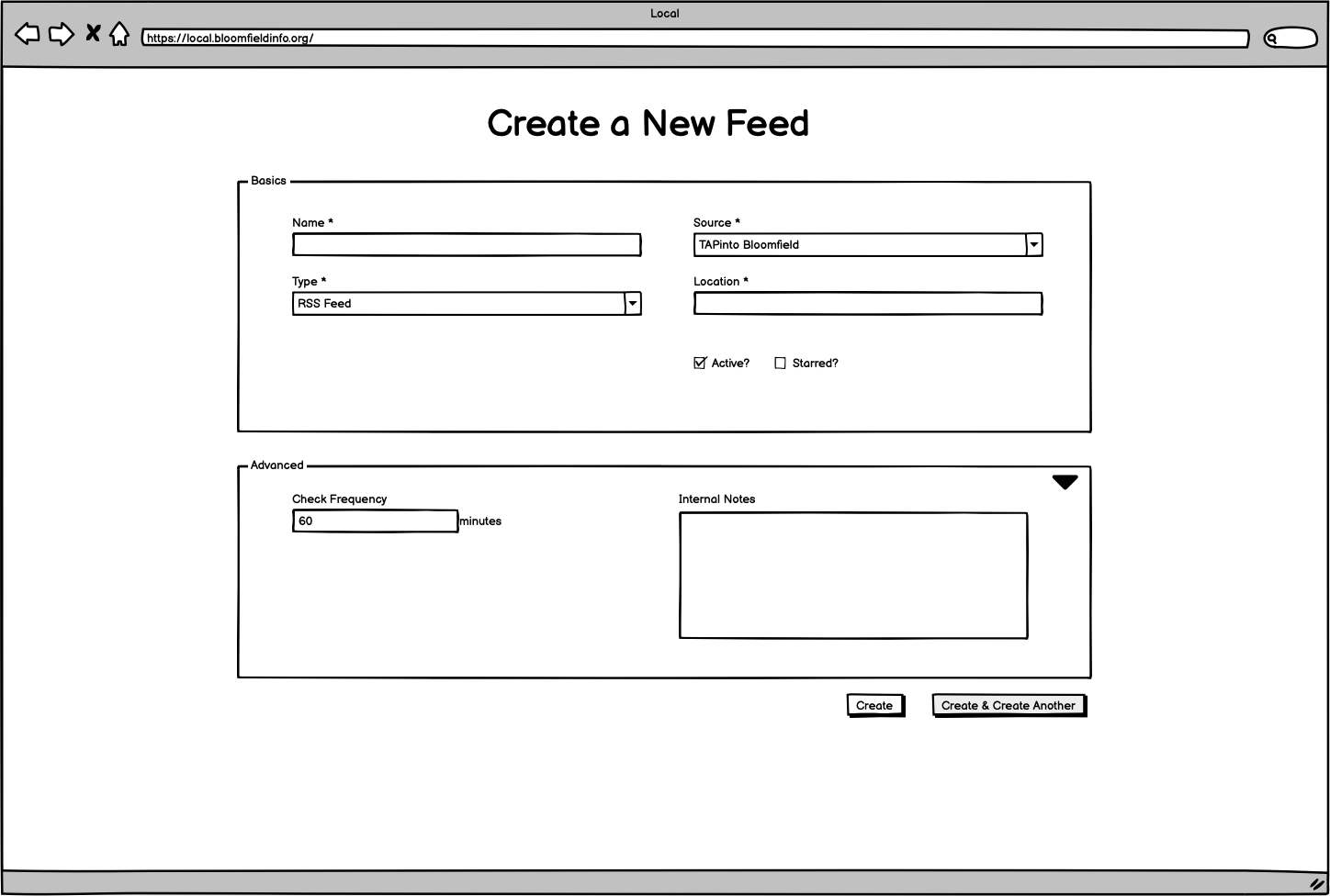
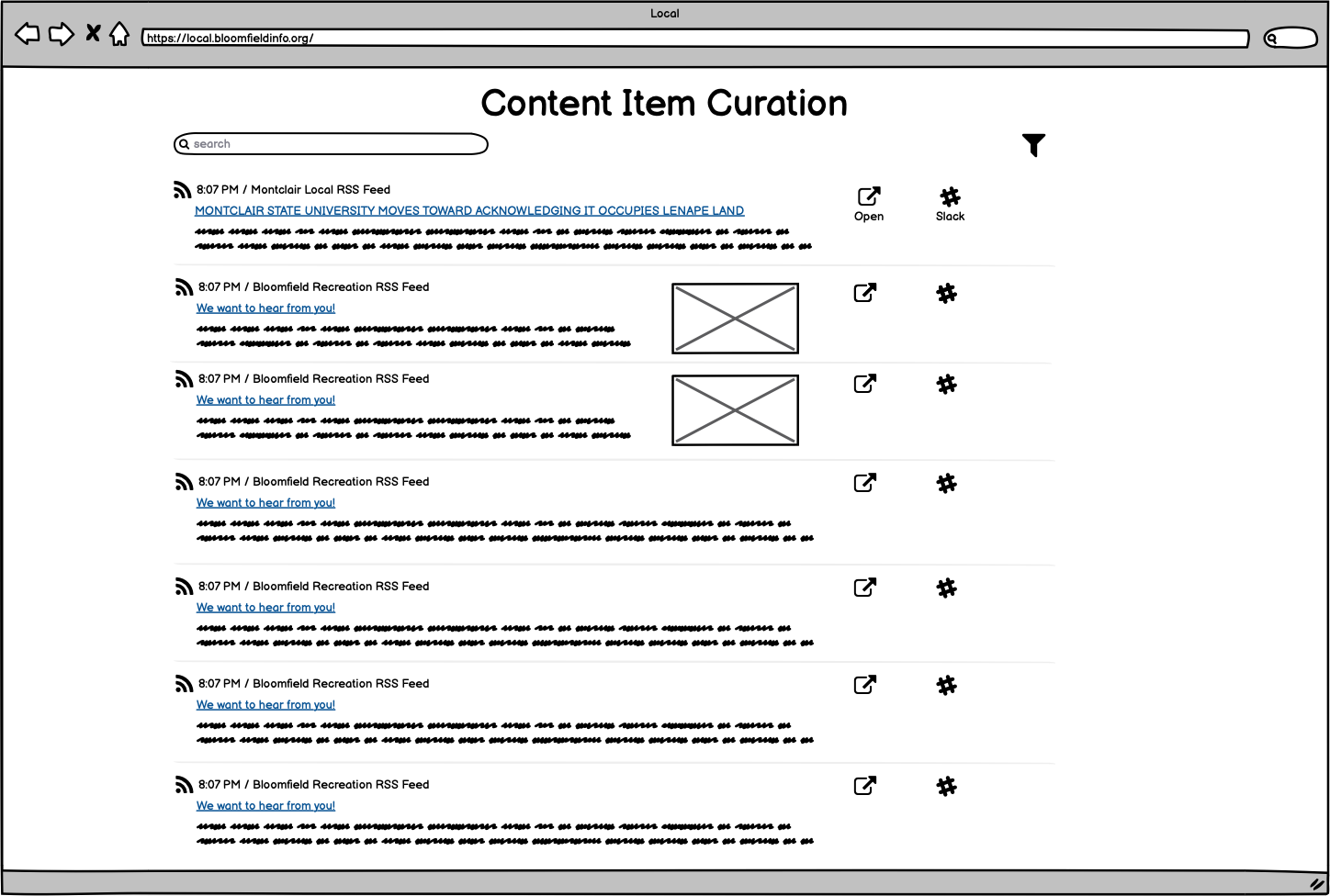
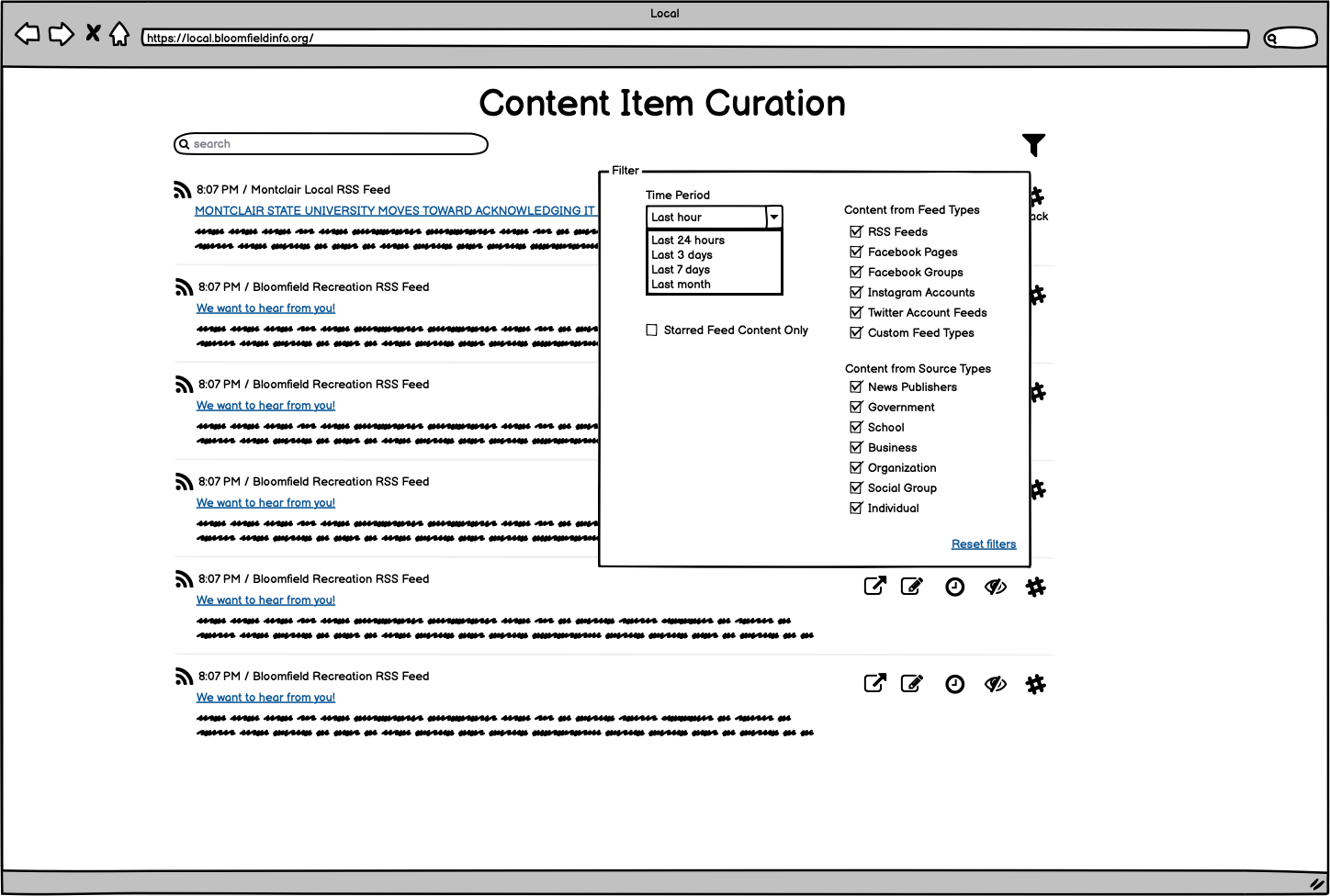
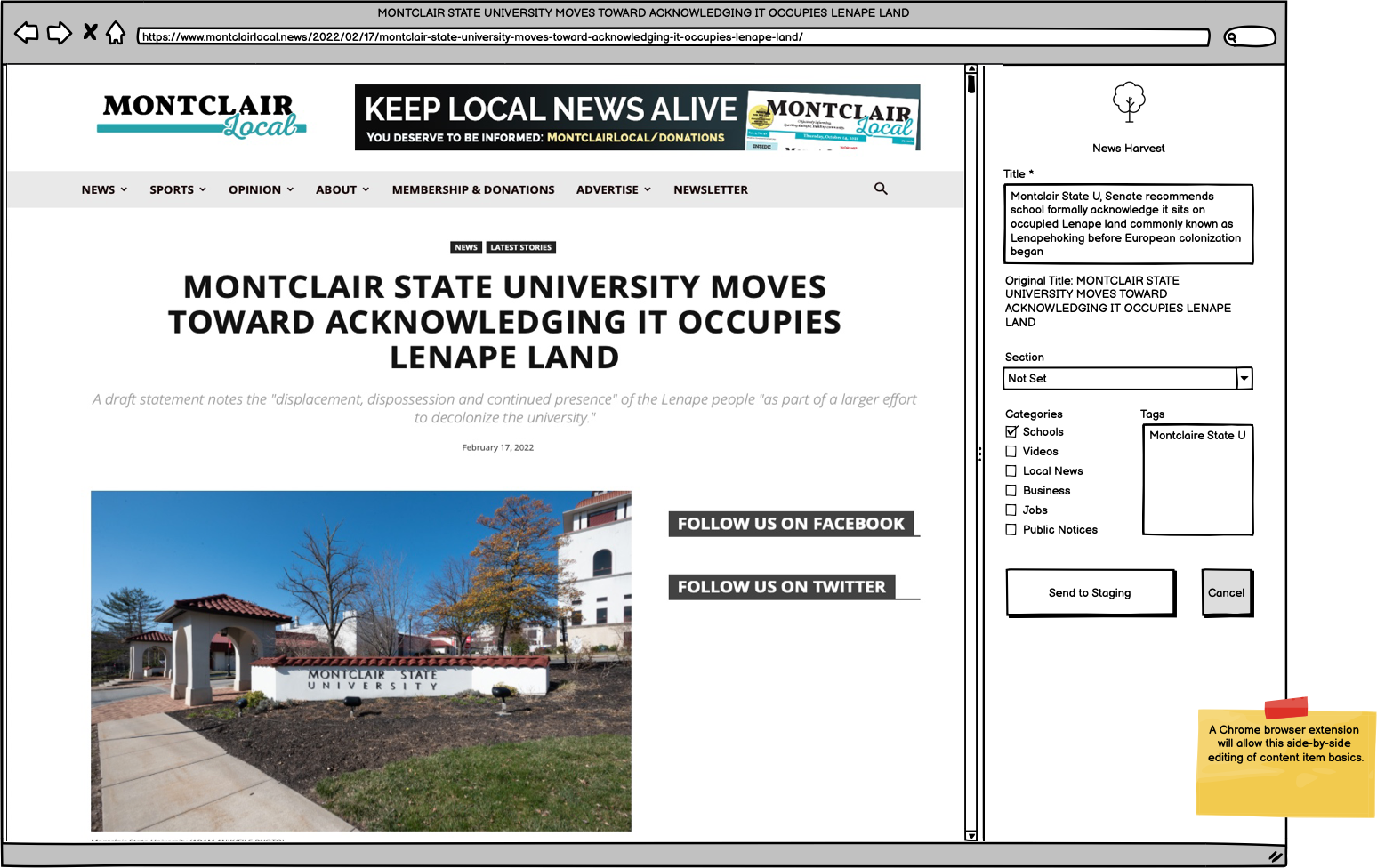
All of the above images reflect the core functionality of what I will be creating and publishing for my capstone project. Note that some other related functionality such as “create an account” or “reset my password” will be handled through standard Laravel application framework tools and did not feel significant enough to wireframe.
In conversations with Simon and team, we decided that this is the scope of software tool that will be most helpful to their workflow for the time being, and that is manageable enough in terms of functionality and complexity that they can transition their current workflow to it fairly seamlessly, start taking advantage of it, allow for some refinements and polishing, and then package it up into a tool that other communities might be able to use as well.
Even beyond this scope, we did go ahead and create the data model and wireframes for what future phases of the project and tool might look like. I’ll share some highlights of those here for reference and discussion. (Note that the “hard parts” recent post about creating a browser extension is no longer relevant, as we decided that it wouldn’t be useful or prudent to tackle that phase of the project in the scope of my capstone work.)
Instead of using the browser extension to send content to their current Google Sheet-driven workflow, they would instead send updates back into the main tool for staging (working toward the creation of a Daily Bulletin publication or other kind of publication):
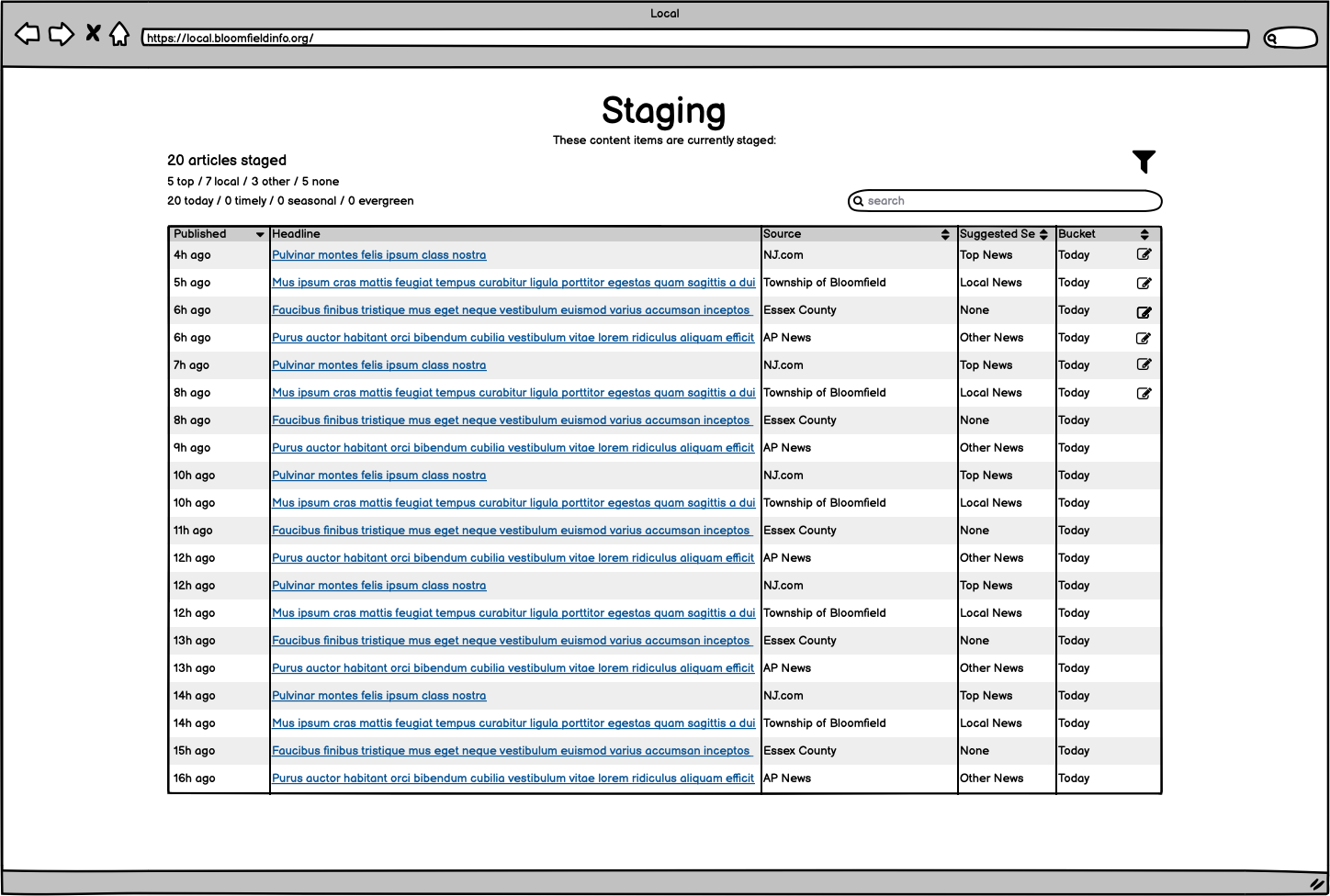
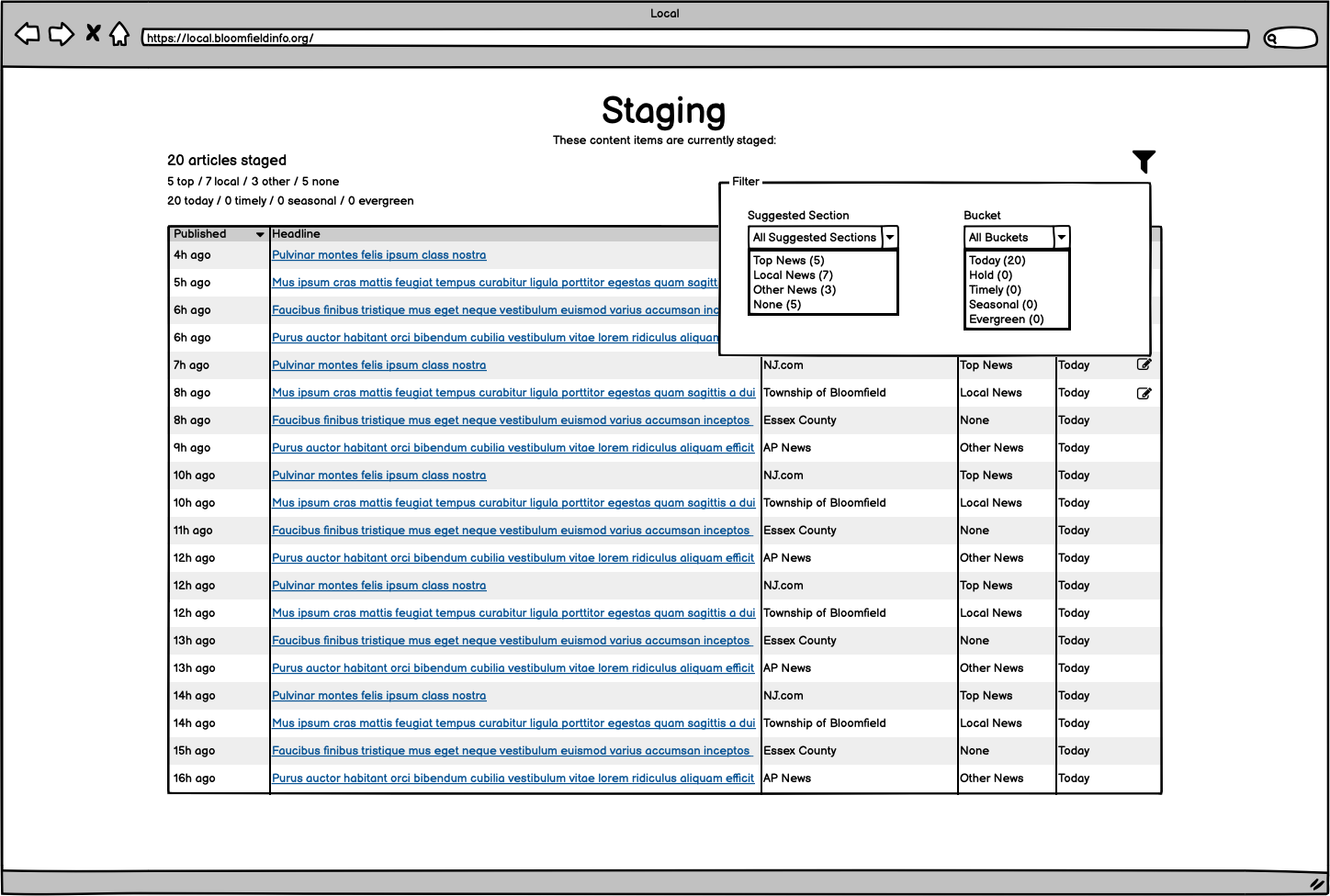
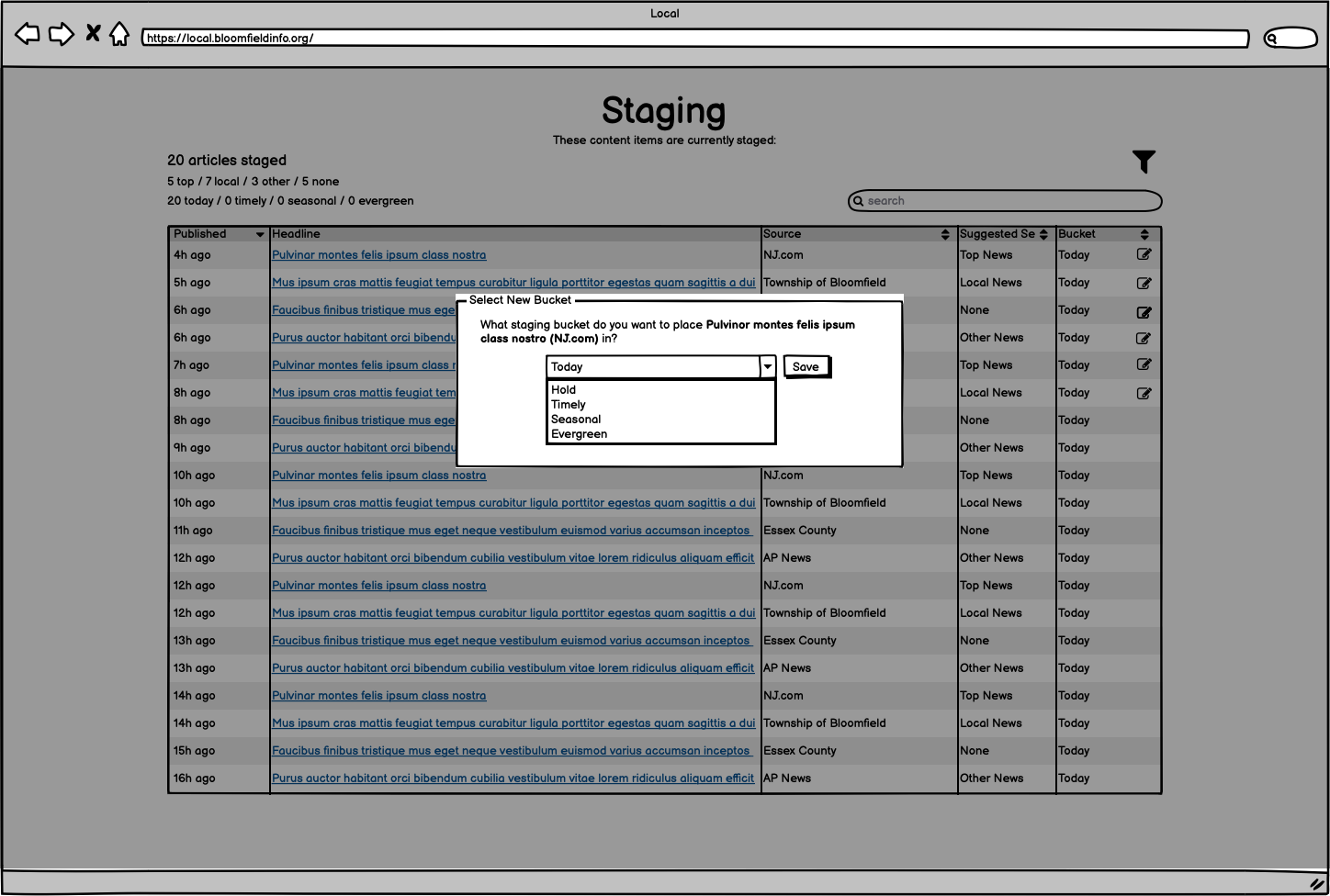
Then, once the staging items had all been organized, the team could create a Publication, which is most often the Daily Bulletin email, but could also be sharing to social media or other kinds of sharing/messages/publications.
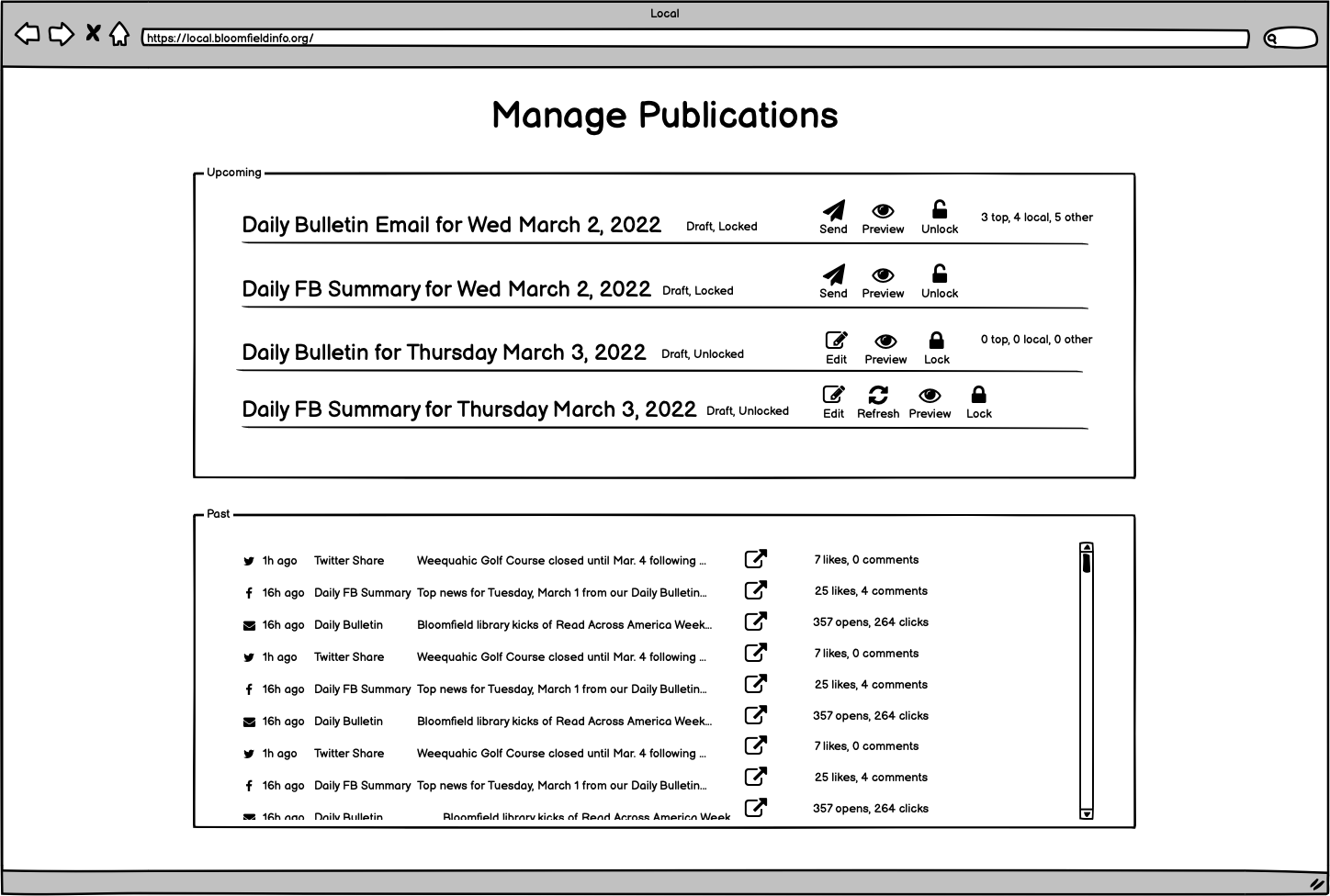
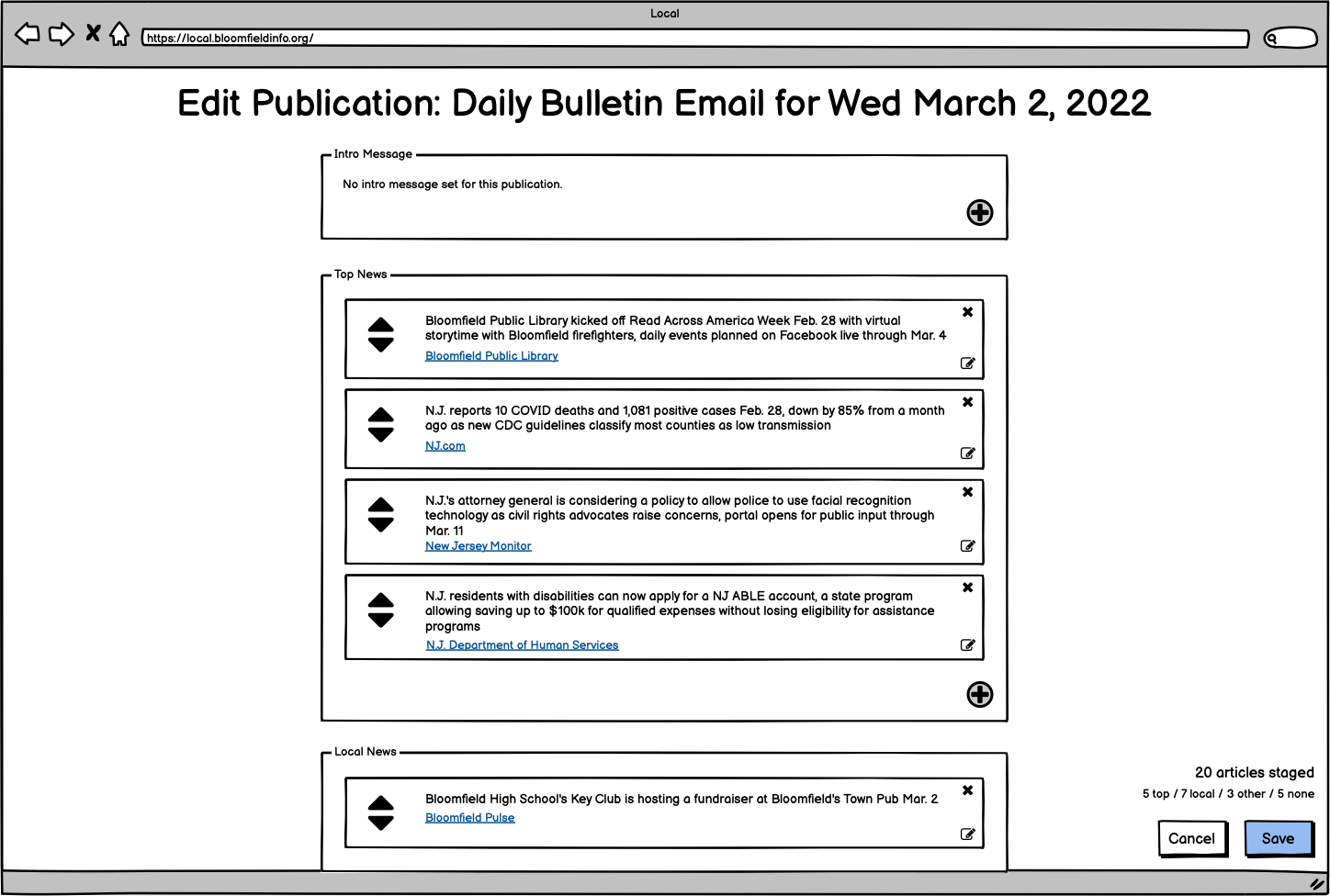
Once a publication was edited and finalized, it could be locked and scheduled for sending. The result would be the same kind of Daily Bulletin email that is currently produced, but all previewed and managed directly within the tool:
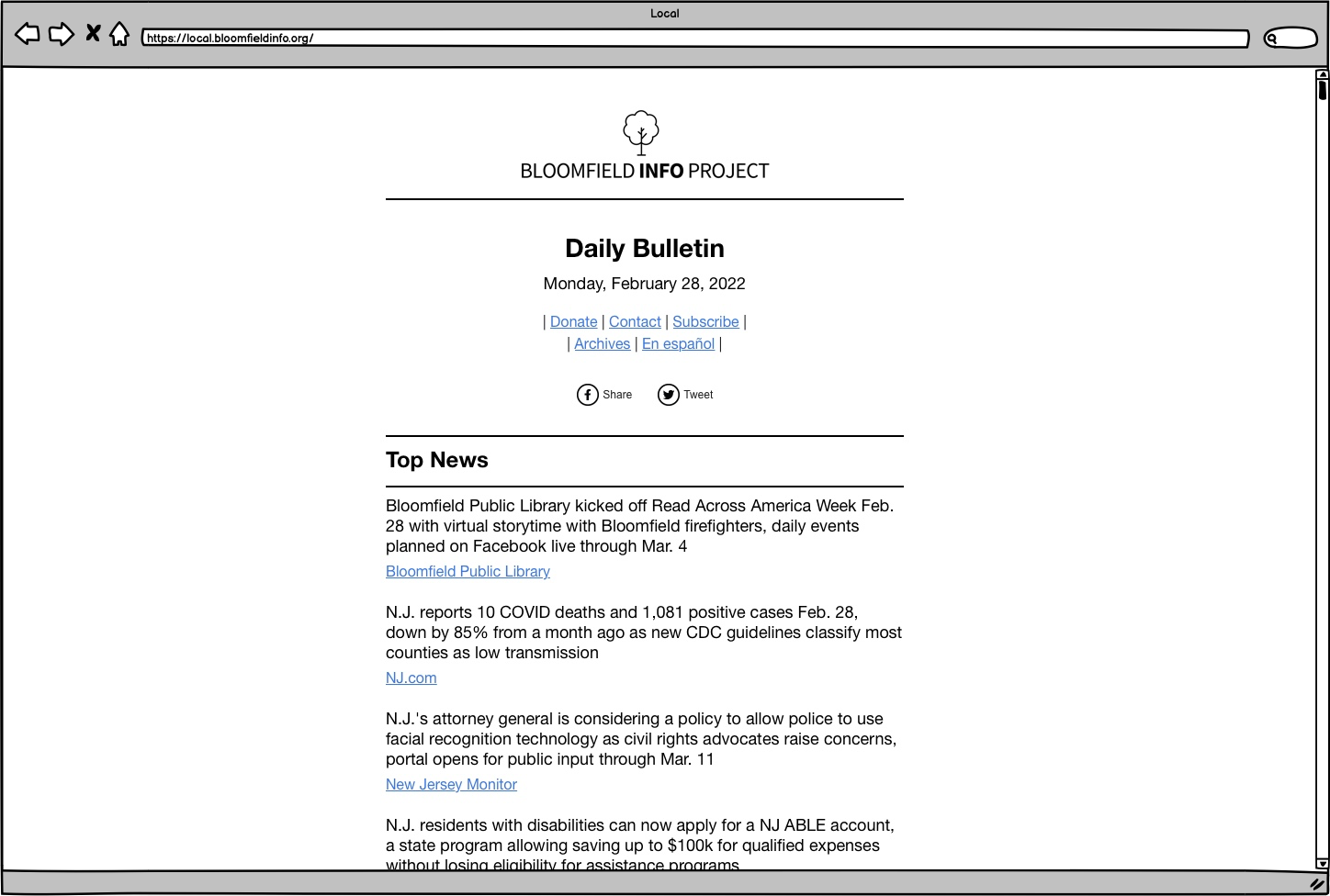
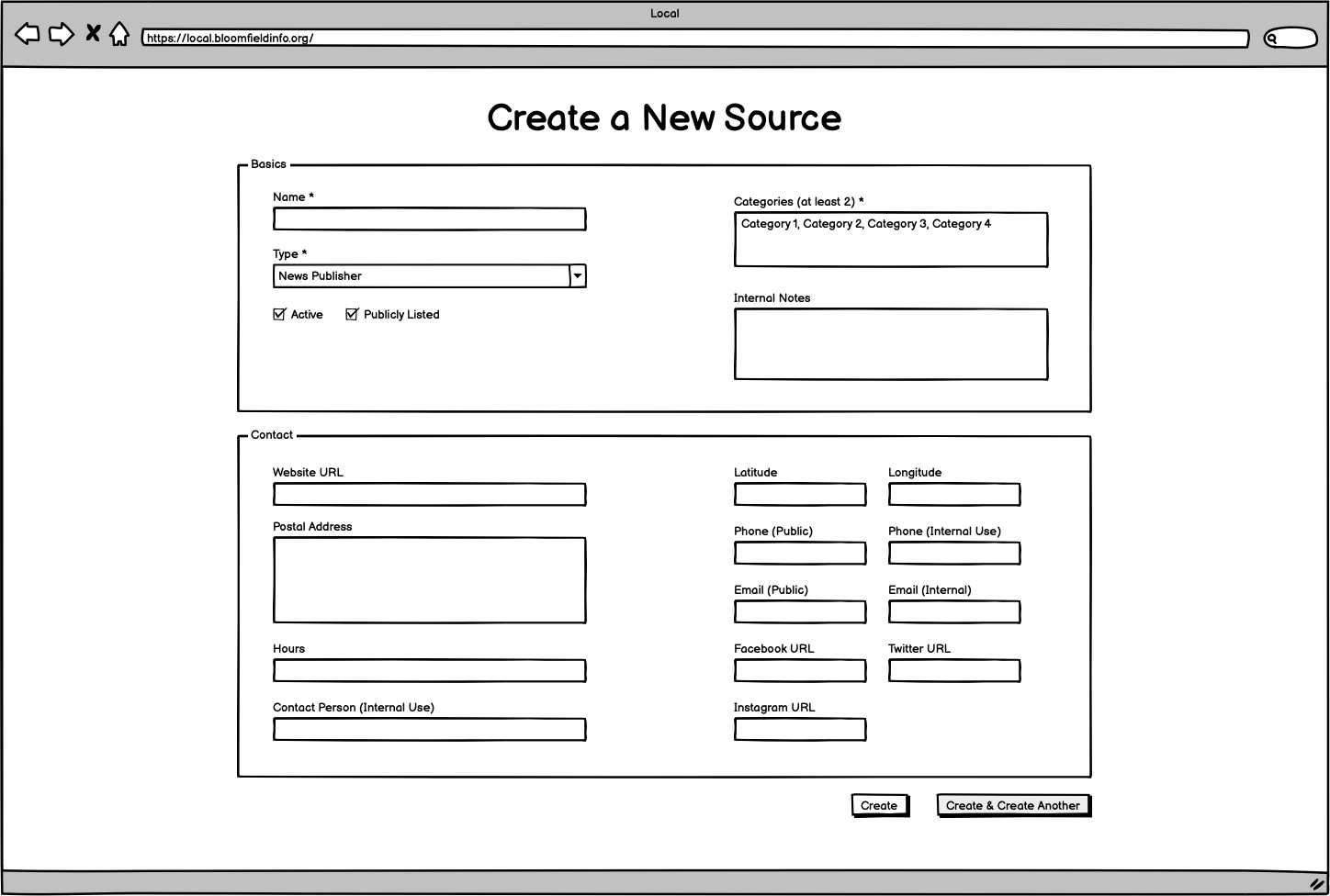
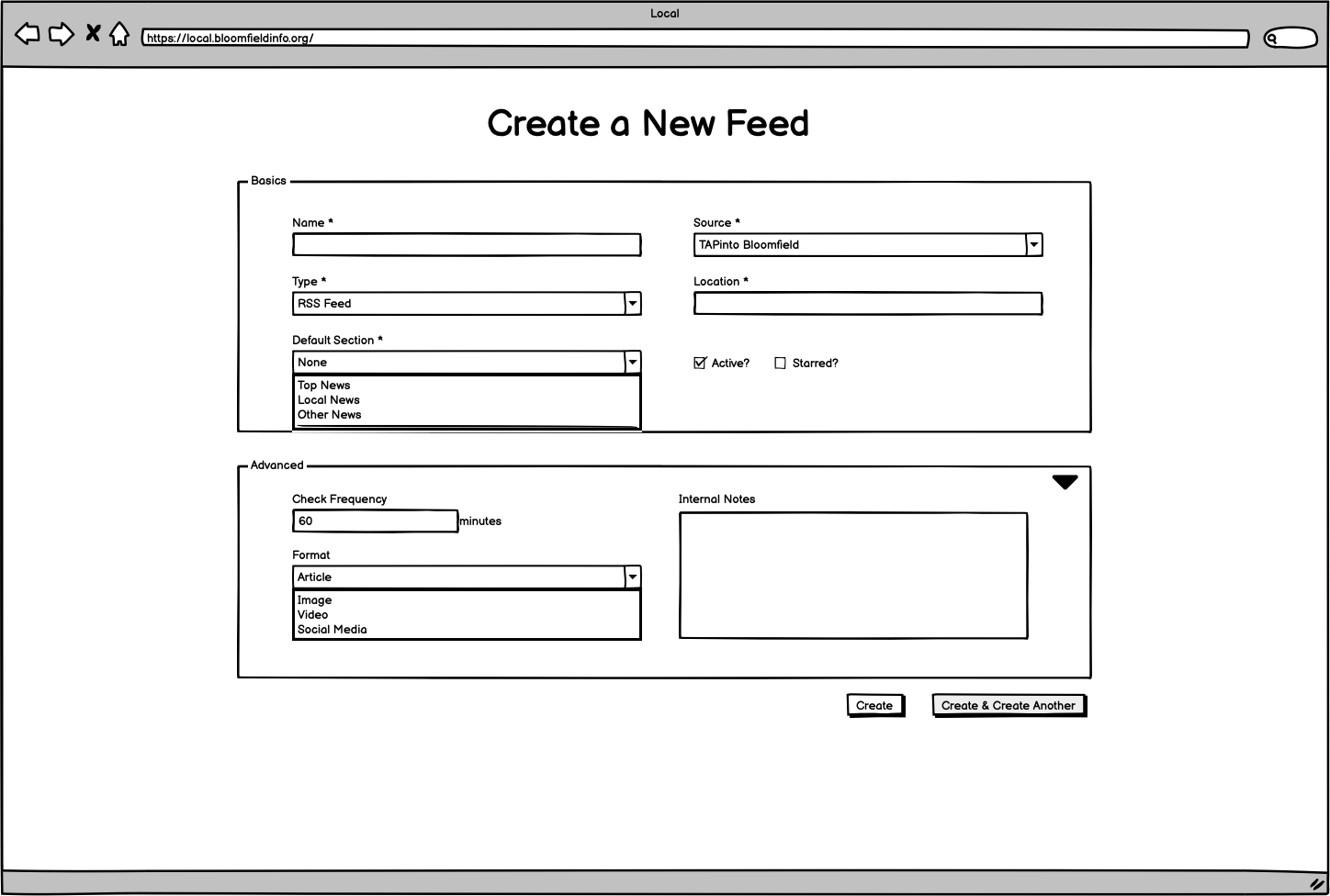
This expanded workflow would also have some implications for other parts of the interface that will be built initially. For example, Source and Feed creation will have some additional fields to aid in categorizing and managing the content that come from those.
You can view and download the entire final set of wireframes, for both the current project scope and suggested future project expansion, in this PDF: 20220317-wireframes.pdf
